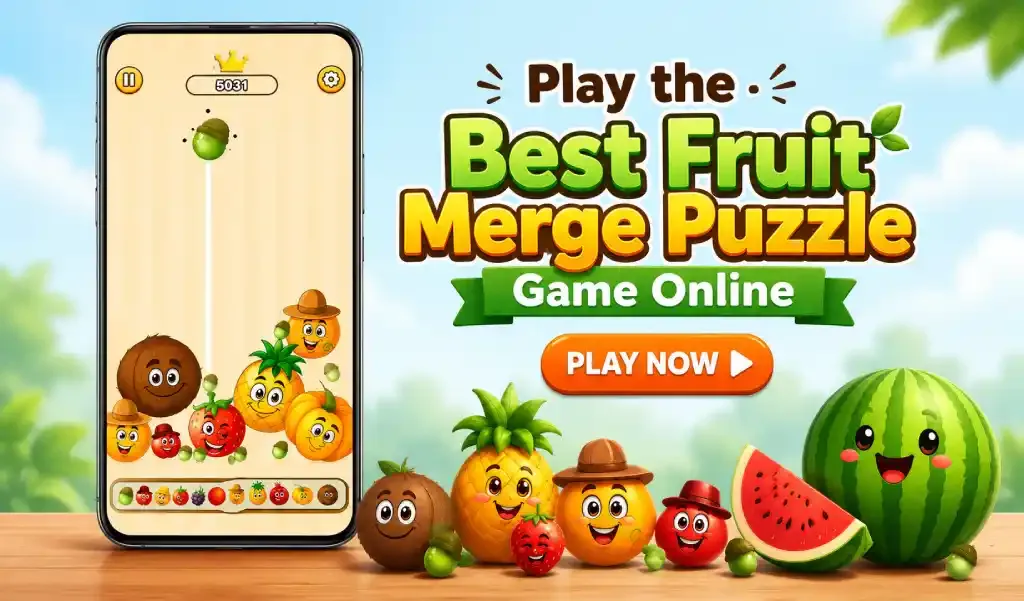
If you're searching for a fruit merge puzzle to play "online," here's the straight answer: Fruit Fall: Match Puzzle Game (earlier called Fruit Merge Melon Puzzle) is an app for iPhone and iPad, not a browser game. You download it free from the App Store, and once installed it plays offline. There's no official browser version, so check the developer's name before trusting any web page that claims to be it.
Plenty of people search for a merge puzzle they can play "online" because they want something free, quick and with no hassle. That's a reasonable thing to want. This guide explains what's available, how to get going in a minute, and what to look for in a good merge game, whether it's ours or someone else's.
What "online" usually means
When people type "play online," they're usually asking one of three things:
- Can I play for free? Yes. Fruit Fall: Match Puzzle Game is free to download and play, with ads and optional in-app purchases.
- Can I play without installing anything? Not with this game. It's an app.
- Do I need an internet connection? No. Once it's installed, it works offline.
So you can think of it as "free, quick to start, and playable anywhere," even though it isn't a website.
How to start playing in about a minute
- Open the App Store on your iPhone or iPad.
- Search for "Fruit Fall: Match Puzzle Game" or follow the link at the end of this post.
- Check the developer. It should say Codematics Services.
- Tap Get. It's free to download.
- Open the game and start dropping. There's no sign-up to get started.
Your first round will teach you the rules faster than a tutorial. For answers to the questions players ask most, see our FAQ on how rounds, scoring and boosters work.
What the game offers
- Drop-and-merge gameplay. Drop fruit, match identical ones, and climb the chain.
- Endless mode. No timer, and nothing to fail but running out of room.
- Boosters. Special items that clear space on a crowded board.
- Bright, simple visuals. A friendly look with smooth animations.
- Offline play. Works on a plane, a train or anywhere with poor signal.
- A 4+ App Store rating. Suitable for a wide range of ages, though the free version has ads.
What makes a merge game worth playing
Not every merge game is equally good. Whether you try ours or another, these are the things worth checking.
Physics that feels right. Fruit should roll, bump and settle believably. If the movement feels floaty or random, the game is frustrating rather than fun.
Clear rules. You should understand what's going on within one round.
No timer pressure. A good merge game lets you take your time.
Reasonable ads. Free games need to make money, but a full-screen ad after every round spoils the calm. Check recent reviews, and see whether there's an ad-free option or offline play.
Regular updates. A game that is still being fixed and improved is a better bet than one abandoned years ago.
Honest listing. The screenshots should show the actual game, and the description should match what you get.
Be careful with browser look-alikes
Searching "play fruit merge online" will turn up browser versions made by other people. Some are fine. Some are not. Things to watch for:
- Pop-ups and aggressive ads. If a page keeps opening new windows, close it.
- Requests for personal information. A puzzle game has no reason to ask for your email, card or phone number just to start.
- Pages claiming to be the "official" game. Check who the developer actually is.
- Downloads outside the App Store. On iPhone, apps should come from the App Store. Don't install profiles or files from random sites.
None of this means every web game is unsafe. It means a bit of caution is sensible, especially if a child is playing.
Is it safe for kids?
The game has a 4+ rating, no chat and no multiplayer. The free version shows ads, so parents may want to use Screen Time to limit in-app purchases and playing time. It's also worth checking the privacy details on the App Store listing before installing anything on a child's device. Our parent's guide to the game covers the ads, the purchases and the settings worth changing.
Why merge games are so popular
They're easy to start, satisfying to watch and hard to put down. The rules take seconds to learn, the physics keeps every round different, and a short round fits into almost any gap in your day. We compare the main styles in Merge Puzzle Games vs Match-3 Games if you're deciding what to try.
Frequently asked questions
Can I play Fruit Fall: Match Puzzle Game in a web browser? No. It's an iPhone and iPad app. There is no official browser version.
Is it free? Yes. It's free to download and play, with ads and optional in-app purchases such as a subscription to remove ads. Check the App Store listing for current prices.
Do I need Wi-Fi or data to play? No. Once downloaded, it works offline.
Is it available on Android? No. It's available on iPhone and iPad only.
What was it called before? Fruit Merge Melon Puzzle. It's the same game from Codematics.
What's the best merge puzzle game? It depends on what you want: physics that feels right, no timer, reasonable ads and regular updates. Use the checklist above to compare.
The bottom line
The honest answer to "where can I play it online" is: you can't in a browser, but you can have it on your iPhone or iPad in about a minute, free, and then play it anywhere with no connection. If that sounds right, get Fruit Fall: Match Puzzle Game on the App Store.